Citron emulator overview
Citron Emulator: Platforms, Setup, and Safe Sources
Citron Emulator is a community project that needs the right build, legally obtained system files, and a repeatable test routine. This overview explains what the emulator does, where each platform guide fits, and how to verify a source before you install anything.
The short answer: Citron Emulator is a starting point, not a game download
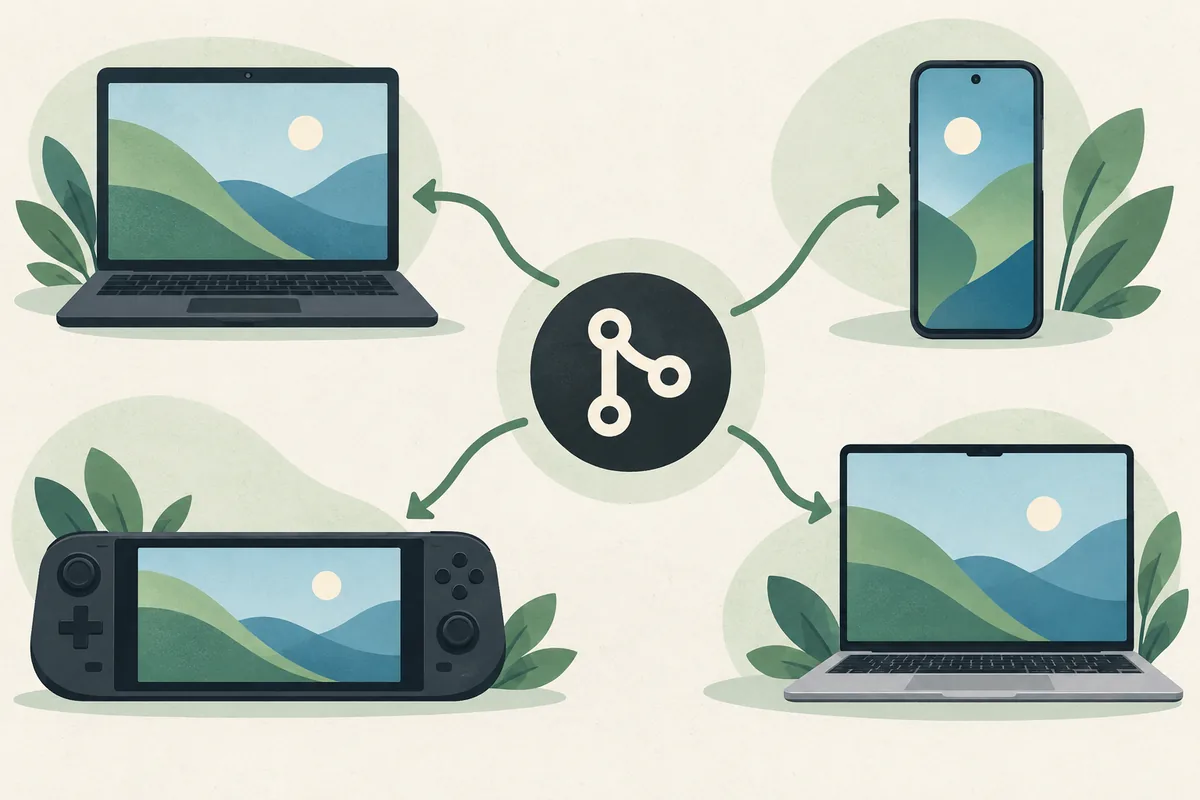
Citron Emulator is an open-source style emulator project for running compatible Nintendo Switch software on supported desktop and mobile hardware. The practical question is rarely just whether an emulator exists. You also need to choose a package for your operating system, understand which graphics backend your device can use, and keep your own legally created backups separate from the application. This page gives the broad map; the platform pages below handle the detailed download steps.
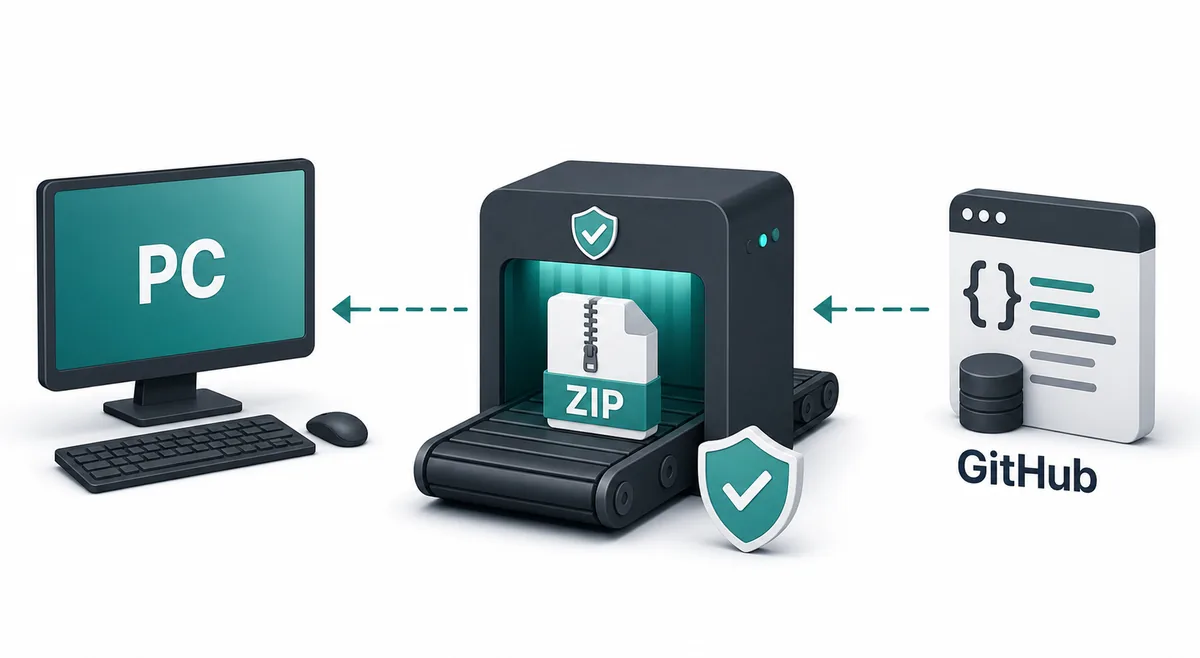
For a safe first test, begin with a public release page owned by the Citron project, record the release tag or CI commit, and avoid repacked installers. The GitHub release endpoint checked on October 7, 2026 currently points to the stable tag 2026-04-27. That date is a source check, not a promise that it is the newest build forever. Always reopen the first-party page before installing because assets, hashes, and nightly builds can change.
Citron Emulator does not include games, ROMs, NSP or XCI files, prod.keys, title.keys, or firmware packages. Those files have legal and privacy implications and must come from a source you are allowed to use. A good setup note records the emulator build, operating system, CPU or mobile chipset, GPU or driver, renderer, game version, and the last screen that worked. That small record makes compatibility reports much more useful than a claim that something simply works or fails.
Know the boundaries first
What Citron Emulator covers and what it does not
Use this table to separate an emulator task from a content, platform, or source-verification task before changing settings.
| Area | Start with | Why it matters |
|---|---|---|
| Application | Select the package that matches Windows, Android, Linux, Steam Deck, or macOS. | A correct file avoids architecture errors and makes later troubleshooting reproducible. |
| Release source | Use the citron-neo GitHub repository or its release and CI pages. | The tag, commit, asset name, and release notes provide a verifiable identity. |
| System files | Use only files legally dumped or backed up from hardware you control. | The site can explain terminology but cannot provide protected keys or firmware. |
| Game content | Point Citron at a local backup you are allowed to use. | A game file is not a part of the emulator installer and should not be bundled with it. |
| Graphics | Keep the default renderer and native resolution for the first test. | A stable baseline makes a driver, Vulkan, OpenGL, or shader change easier to isolate. |
| Evidence | Write down the build, device, driver, renderer, game version, and symptom. | Compatibility is a moving result rather than a permanent label for every machine. |
A repeatable first launch
How to start a Citron Emulator test
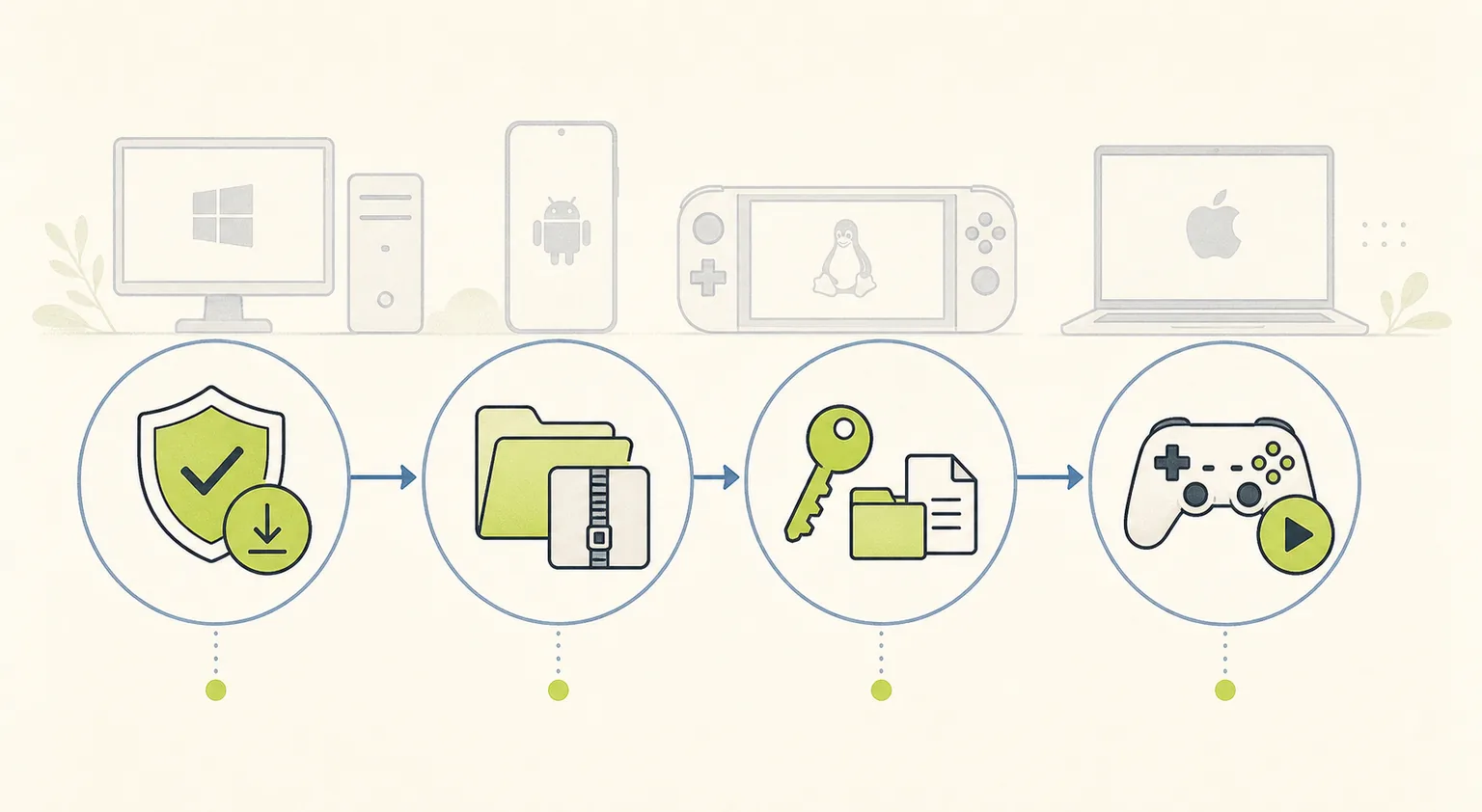
The first launch should answer one question at a time. Keep the original package and profile so a later update can be compared instead of guessed at.
Choose the platform guide
Open the Windows, Android, Linux, macOS, or Steam Deck path that matches your device. Do not download a package because its filename appears on a mirror.
Verify the source
Check that the browser destination is a citron-neo GitHub release or CI page, then record the tag, commit, asset name, and date you tested.
Keep a clean baseline
Extract or install to a simple local directory, launch with default graphics, and disable overlays or remappers until the emulator can open a menu.
Add legal local files
Use your own permitted system files and game backups. Add one directory at a time so an empty library or path error has an obvious cause.
Record one result
Test a short scene, note audio, video, input, frame pacing, and the last successful screen, then link the result to the exact build.
Keep the setup understandable
A small evidence note prevents a large troubleshooting loop
When Citron Emulator behaves differently after an update, the most useful artifact is often a short note rather than another setting change. Save the release tag or CI hash beside the operating system and hardware details. If a problem is limited to one game, also record its update or DLC state and the scene where the result changed.
Keep configuration backups and logs private. Remove account names, personal paths, access tokens, and copyrighted system files before sharing a report. A public issue should contain the minimum safe excerpt needed to reproduce the symptom, not an entire profile or a bundle downloaded from an unknown forum.
- Exact stable tag or nightly commit and the test date.
- Operating system, CPU, GPU or mobile chipset, driver, renderer, and power mode.
- Game version, update or DLC state, last successful screen, and repeat count.
- One configuration backup and the single variable changed before the retest.
- A link to the first-party release, issue, or compatibility page used for comparison.
Citron-emulator-tests/2026-10-07-baseline/Organization example only. Never download ROM, key, firmware, or repacked installer bundles from a troubleshooting page.
Choose the next narrow test
Citron Emulator settings: change the smallest variable
A broad overview should leave you with a controlled next step. Restore the previous value when a comparison is worse or cannot be repeated.
| Area | Safe starting point | Change only when |
|---|---|---|
| Renderer | Use the platform default backend. | The same black screen or texture error repeats and a second supported backend can isolate it. |
| Resolution | Native or 1x resolution. | The baseline works and you are measuring performance rather than launch stability. |
| Controller | One direct profile detected by the operating system. | Steam Input, a mapper, or a virtual controller clearly duplicates or hides input. |
| Cache | Let the current build create its own cache after a backup. | The cache belongs to another build or the same error repeats after a clean rebuild. |
| Update channel | Stable for a predictable reference. | A relevant first-party fix justifies a nightly and you can roll back to the saved build. |
Match the guide to the symptom
Which Citron Emulator guide should you open next?
The broad page is useful when you are still deciding what kind of problem you have. Follow the narrow branch once the symptom is clear.
I need a verified download
Choose the platform asset and compare its filename, tag, date, and source domain before opening it.
Next guide: Use the safe download guide and the platform download hub.
Citron opens but the library is empty
Check the local directory, permissions, supported file path, and legal system-file setup before changing the renderer.
Next guide: Start with the setup guide and record one folder test.
A game launches with a black screen
Separate a silent frozen window from a running game with audio or input. Renderer, driver, cache, update, and build regressions can look alike.
Next guide: Use the troubleshooting and compatibility workflows.
The controller is missing or double-inputs
Verify operating-system detection and remove duplicate mapping layers before changing graphics settings.
Next guide: Follow the setup guide's controller baseline, then retest.
A nightly build changed the result
Keep the stable tag and nightly commit separate. A fix in one channel can be a regression in another.
Next guide: Compare the nightly guide and preserve a rollback path.
Citron Emulator questions
Citron Emulator FAQ
What is Citron Emulator?
Citron Emulator is an emulator project whose behavior depends on the platform build, graphics stack, legal local system files, game version, and device. This site explains how to verify sources and run a controlled test; it does not distribute games or protected files.
Where should I download Citron Emulator?
Start at the citron-neo GitHub release or CI pages linked from the platform guides. Check the organization, repository, release tag, asset filename, and date. If a page adds a countdown, mirror, or bundled game, treat it as a warning sign.
Is Citron Emulator available for PC and Android?
The project publishes platform-specific assets, but the correct choice depends on your operating system, CPU or chipset, driver, and device limits. Use the Windows or Android guide instead of assuming that one build works everywhere.
Does Citron Emulator include firmware or keys?
No. Citron Neo Wiki does not host or link prod.keys, title.keys, firmware, ROMs, NSP files, XCI files, or game dumps. The keys and firmware guide explains the terms and legal boundaries without providing protected downloads.
Should I use a stable or nightly Citron build?
Use stable for a predictable baseline. Use a nightly when a relevant first-party change or issue comparison justifies it, and save the full commit so you can compare or roll back when the result changes.
Does XCI work with Citron Emulator?
The file extension alone cannot answer that. Use a backup you are allowed to use, confirm the local path and required system-file setup, and record the exact emulator build, game update, renderer, and result. This site does not provide XCI files.
First-party checks
Sources to verify before you install
Use these public pages for release identity, assets, and issue context. Recheck them when the version or platform package matters.
- Citron emulator GitHub releasesThe stable tag and platform assets checked for this page.
- Citron emulator issue trackerUse reproducible hardware, build, driver, and log details when comparing a problem.
- Citron compatibility guideRecord a build-specific result rather than treating an isolated report as universal.
- Citron safe download guideCheck repository ownership, filenames, release dates, and mirror red flags.